Introduction
In 2025, your CV is no longer just a PDF document; it is your Google search result. Whether you are a medical student applying for residency or a consultant looking for private patients, having a personal website is the ultimate trust signal.
The good news? You do not need to learn Python or HTML. You can build a “No-Code” website this weekend. Here is the step-by-step stack.
Step 1: Choose Your “Builder”
There are two main tools we recommend for medical professionals, depending on your tech comfort level.
- Option A: Super + Notion (The Easiest Route)
- What it is:Â You write your text in Notion (just like a normal note), and a tool called “Super.so” turns it into a website instantly.
- Best for:Â Students and Researchers who want to update their publications list frequently without hassle.
- Option B: Framer (The Design Route)
- What it is:Â A drag-and-drop canvas. It feels like using PowerPoint, but it publishes a high-end website.
- Best for:Â Private practice doctors who want a beautiful, visual site to attract patients.
Step 2: The “Must-Have” Sections
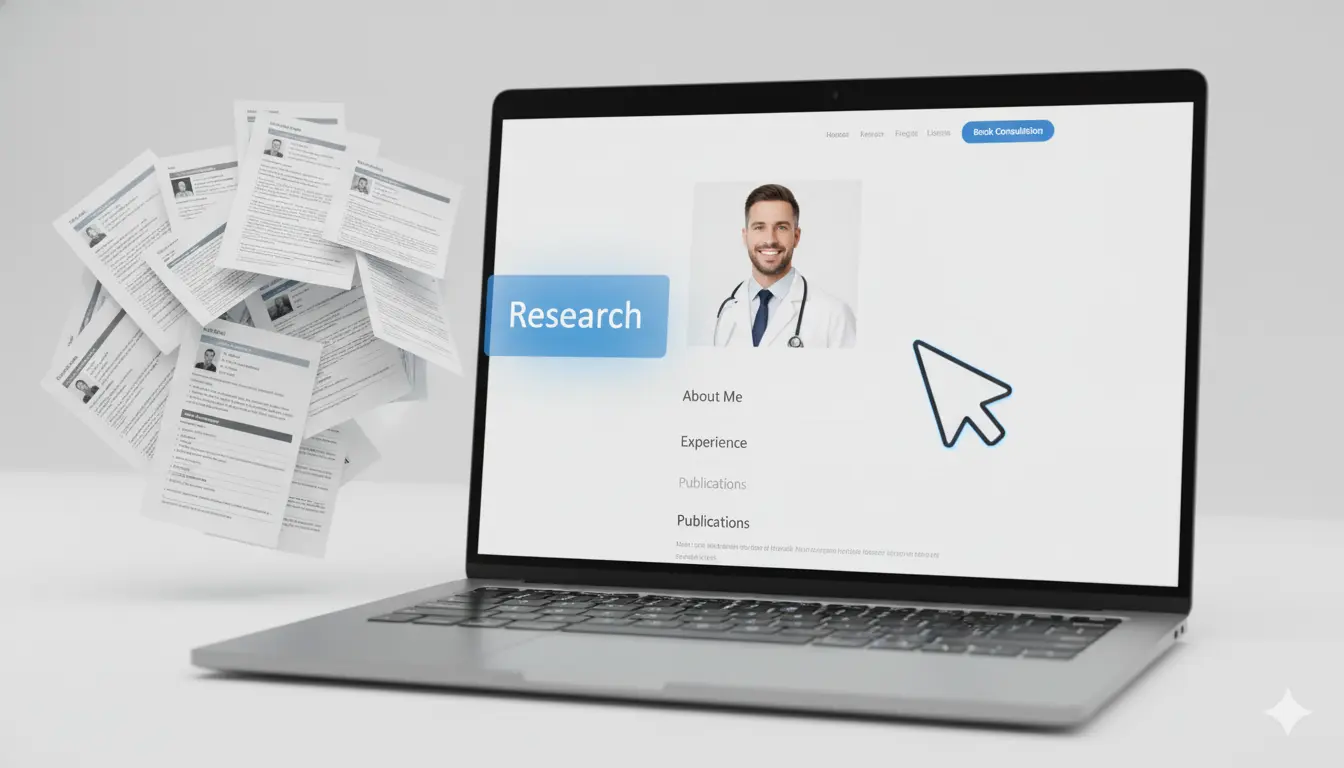
Do not overcomplicate it. Your site only needs four sections:
- The Hero Section: A professional headshot and a one-sentence bio. (e.g., “Dr. Jane Doe – Cardiologist & Clinical Researcher focused on Preventative Care.”)
- About Me:Â A friendly paragraph about your journey. Keep it conversational, not robotic.
- The “Stack”:Â List your publications, speaking engagements, or clinical interests.
- Contact: A simple form or a link to your LinkedIn. Never put your personal email address directly on the page to avoid spam.
Step 3: Buy Your Domain
Go to a domain registrar (like Namecheap or Google Domains) and buy YourNameMD.com or DrName.com.
- Tip:Â Avoid long, complicated names. If your name is taken, try adding “MD” or “Med” to the end.
Conclusion
A website works for you while you sleep. It allows conference organizers to find your bio, patients to check your credentials, and peers to read your research. Spend this Saturday afternoon building it, and it will pay dividends for your entire career.