Introduction
For medical researchers and proactive clinicians, staying updated with the latest literature is a necessity, not a luxury. However, the sheer volume of papers published daily on PubMed makes manual review nearly impossible. Enter n8n—a powerful workflow automation tool that allows you to connect apps, APIs, and AI without writing complex code.
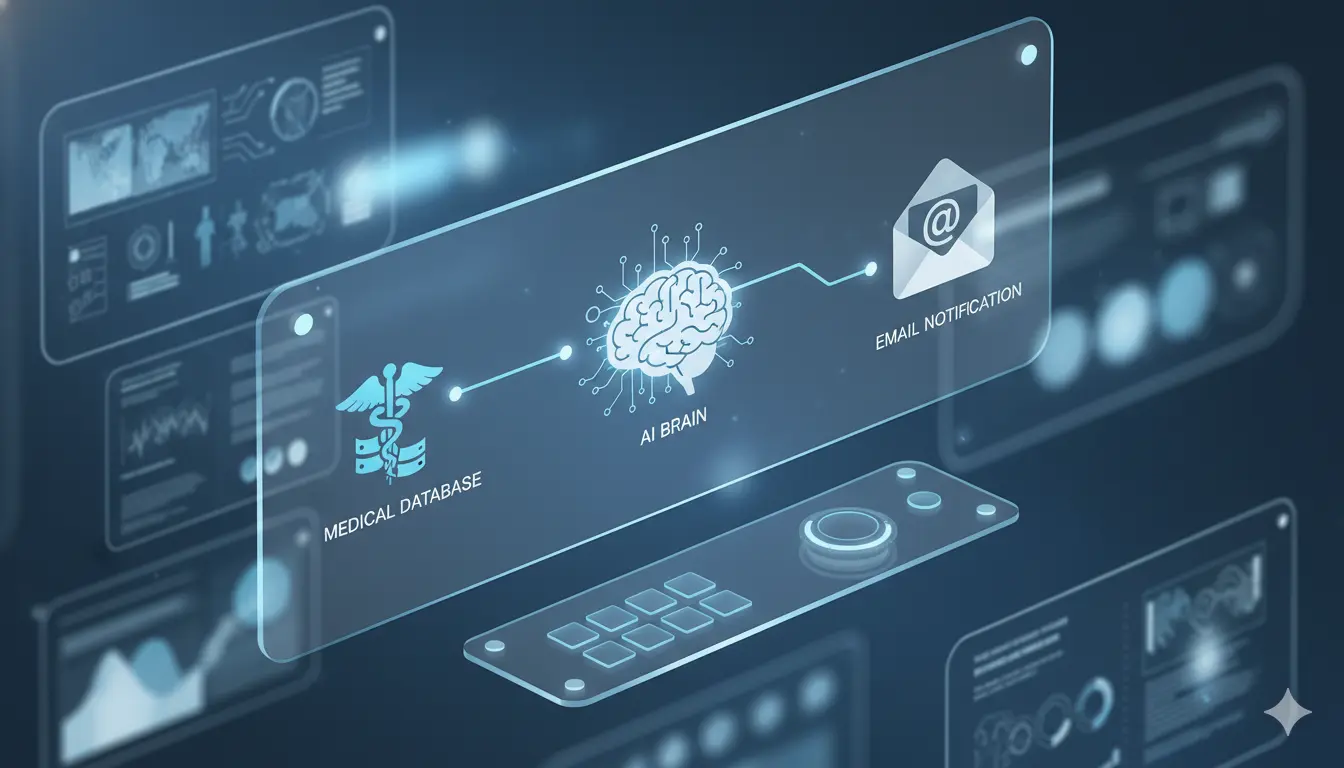
In this guide, we will build a workflow that acts as your personal research assistant. It will search PubMed for your specific keywords, summarize the findings using ChatGPT (GPT-4), and email you a digest.
Step 1: The Trigger (Schedule Node)
Every automation needs a starting point. In n8n, we begin with a Schedule Trigger.
- Configuration:Â Set this to run once a week (e.g., Monday at 8:00 AM) or daily, depending on your field’s publication velocity. This ensures you start your week with fresh insights without lifting a finger.
Step 2: Fetching Data from PubMed
Next, we use the HTTP Request node to query the PubMed API (E-utilities).
- Method:Â GET
- URL:Â https://eutils.ncbi.nlm.nih.gov/entrez/eutils/esearch.fcgi
- Parameters:Â Add your search query (e.g., “immunotherapy AND lung cancer”) and set the date range to “last 7 days.”
- Output:Â This node returns a list of PMIDs (PubMed IDs) for new articles.
Step 3: Extracting Abstracts
With the list of PMIDs, we need the actual content. We add another HTTP Request node using the efetch utility. This retrieves the title, authors, and abstract for each ID found in the previous step.
- Tip:Â Use an XML node to parse the return data into a clean JSON format that n8n can process easily.
Step 4: The AI Summarization (OpenAI Node)
This is where the magic happens. We pass the abstracts into an OpenAI node (using GPT-4 or GPT-4o).
- System Prompt:Â “You are a medical research assistant. Summarize the following abstract in 3 bullet points, highlighting the methodology, results, and clinical significance.”
- User Prompt:Â Insert the abstract text from Step 3.
This step transforms dense academic text into actionable insights.
Step 5: Delivery (Gmail/Email Node)
Finally, we aggregate the AI summaries into a single HTML table or list using a Code Node (or Markdown node) and send it via the Gmail node.
- Subject:Â “Weekly Research Update: [Your Topic]”
- Body:Â The clean, AI-generated summary of the week’s top papers.
Conclusion
By spending 30 minutes setting up this n8n workflow, you save hours of manual searching every week. This system ensures you never miss a breakthrough while keeping your focus on applying knowledge rather than hunting for it.